AI creative agentfor your campaign.
Tell Mozify what you want to make. Add your product and references, refine the creative direction, then review proposed generations before they run.
Explore free, no card required. A paid plan is required to generate and export.
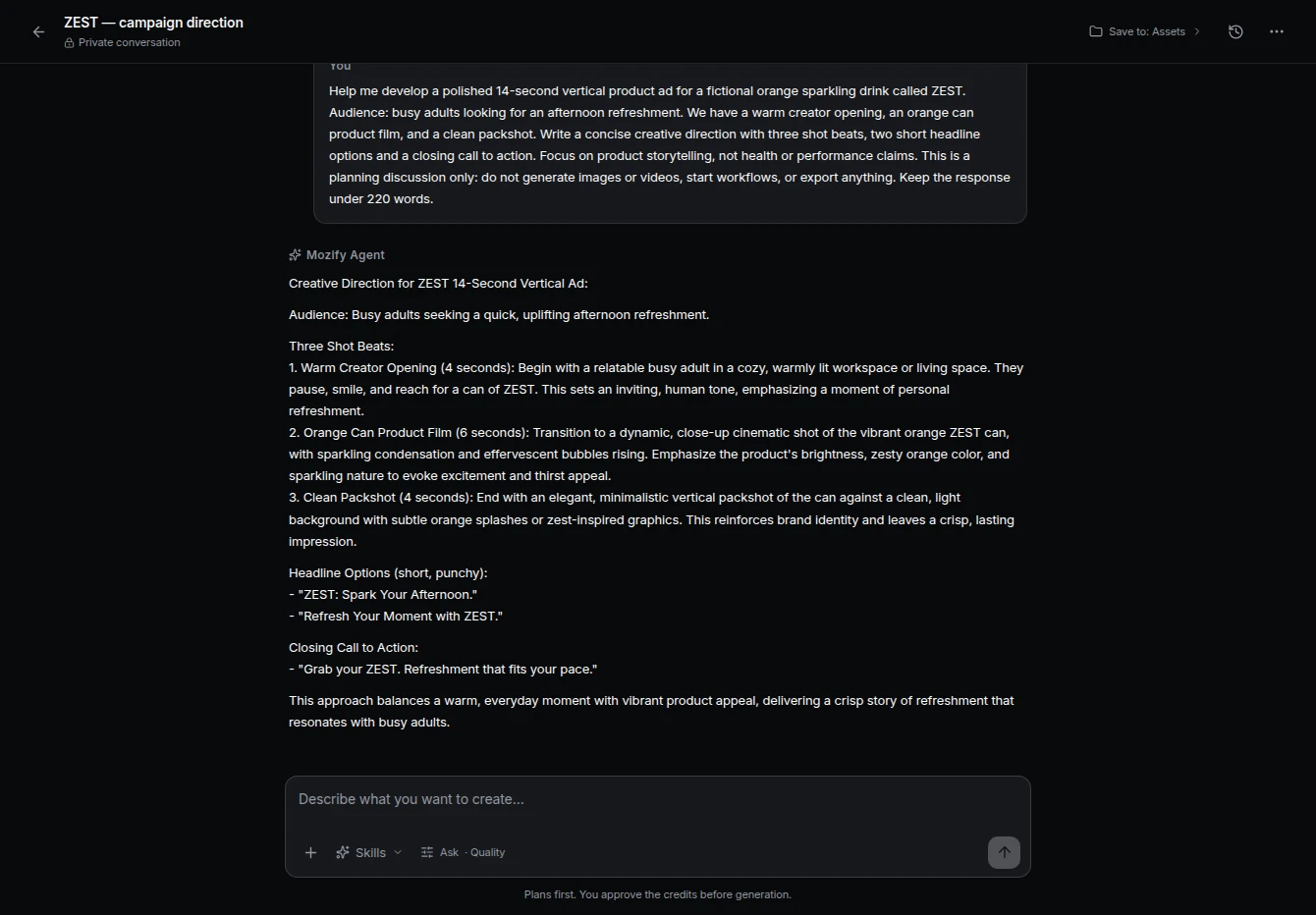
A useful plan names the next creative decision.
The screenshot above is an actual Mozify conversation. Use Agent to work through the brief, then take the selected direction into the appropriate studio or workflow.
We are launching a canvas weekender for short trips. Help me outline a 12-second ad: a presenter opening, a packing shot and a product end card. Give each shot one job and suggest the message on screen.
A suggested starting prompt; the screenshot shows a separate recorded conversation.
Turn the answer into a production brief.
- Message
- Choose one reason to care about the product. Refine the opening line before generating presenter footage.
- Shot list
- Specify what each clip shows, how long it should hold and which references it needs.
- Handoff
- Take the selected prompts into Image or Video Studio, or connect the recurring steps in Workflows.
How to use Agent in Mozify.
Follow the steps below. Open any screenshot to see the controls at full size.
Start with the brief.
Open Agent and describe the product, audience and deliverable. Add useful references and explain what a successful result should contain.

Choose how Agent works.
Open Agent preferences to choose a model preference and approval mode. Ask before creating lets you review the plan and estimate first.
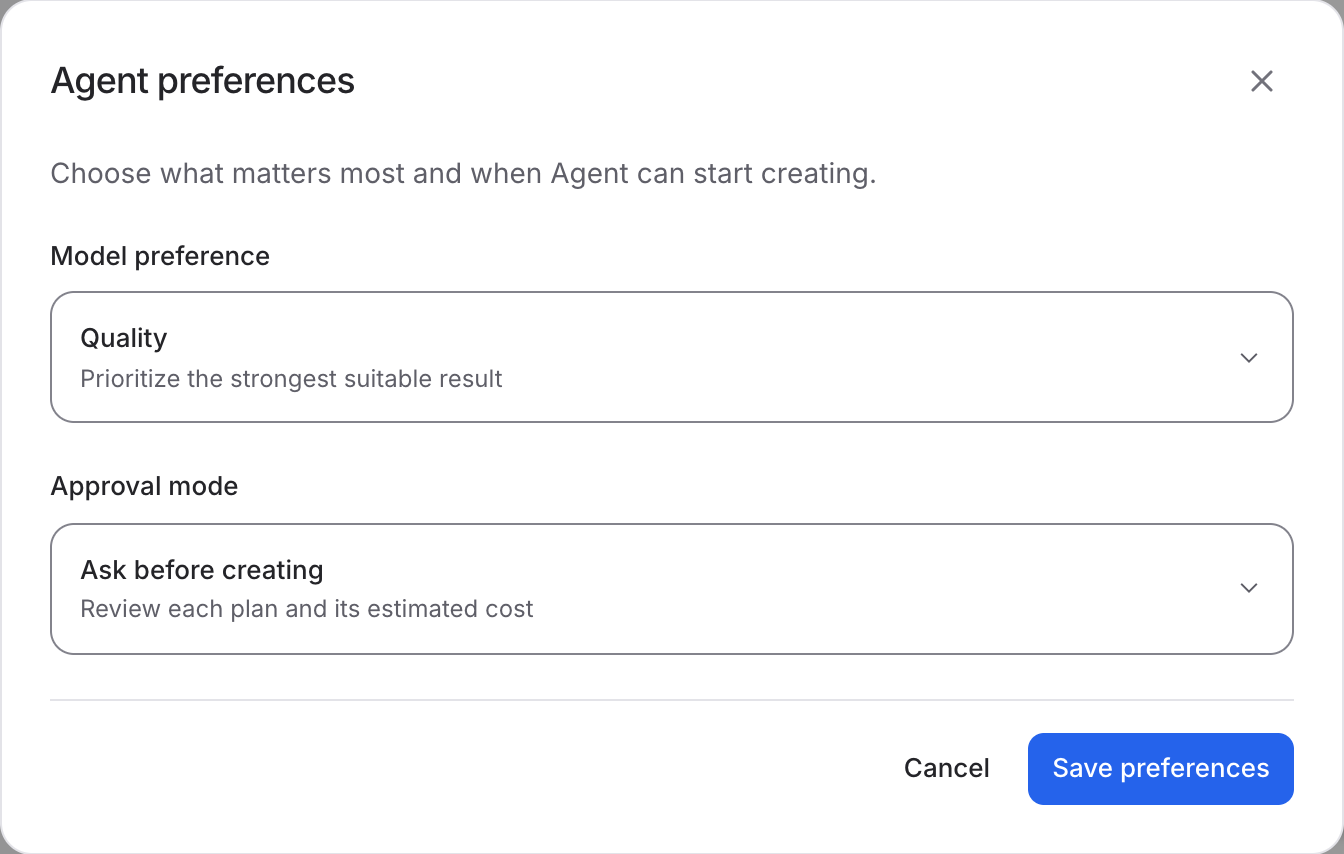
Refine the plan and continue.
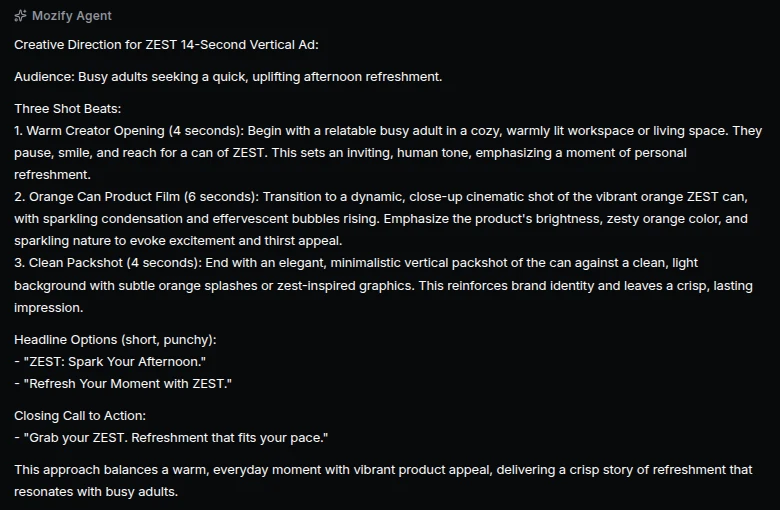
Review the response, ask for specific changes and use the selected direction in your next studio or workflow. The screenshot shows a recorded ZEST campaign plan.
Questions, answered
Include the product, audience, goal, placement and tone. Add references where useful and describe the output you want, such as an image concept or a short ad sequence.
Start your next project in Agent.
Bring your product, your brief or your next big idea. Start creating in Mozify.
Explore free, no card required. A paid plan is required to generate and export.